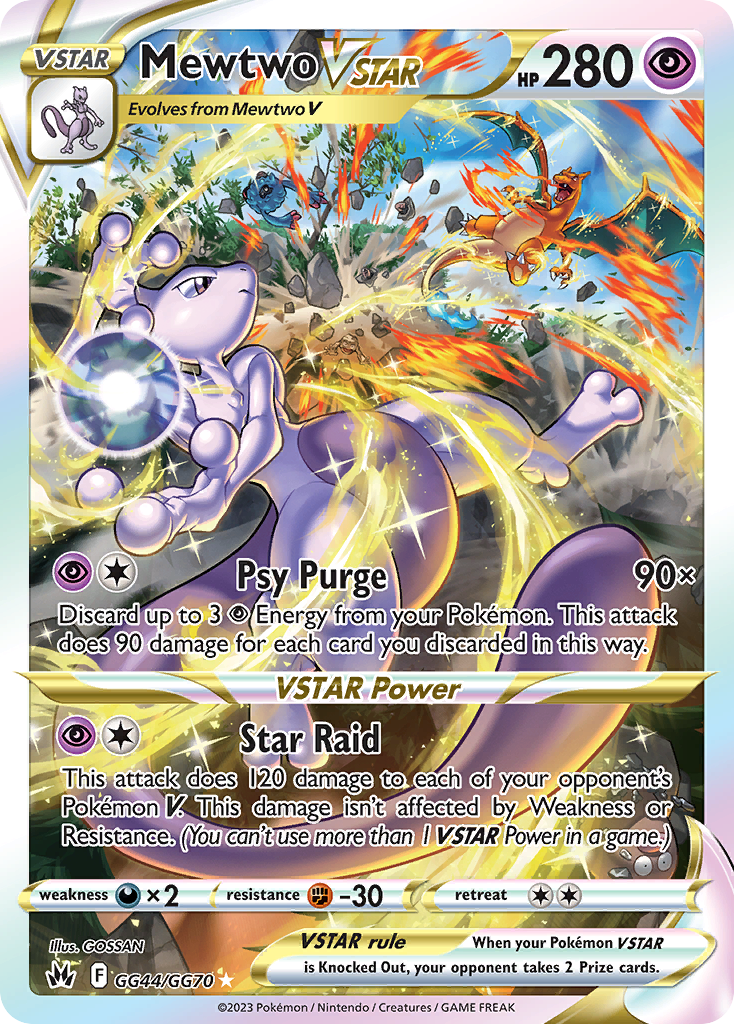
One listing, one physical card
Add the specific card you own to My cards before creating a listing. Match the catalog variant carefully, then record the condition and any grading details for that physical copy.
- Check the set, card number, language, and finish.
- Complete identity verification if your current member level requires it to list.
- Use clear photographs of the card you will actually sell.
Choose how you want to sell
Use a fixed price when you want to state the purchase amount. An auction uses maximum bids and a defined bidding window. Set terms you can honour before you submit.
- Enter prices in HKD and review the estimated listing fee.
- For an auction, check the starting bid, minimum increment, and Hong Kong start and end times.
- Review the listing and consignment agreements before accepting.
Submitted does not mean live yet
Staff review the listing details and media before marketplace activation. A listing fee may be required after approval. My listings shows the review outcome, any requested changes, and the next action.
- Keep the physical card available while the listing is active.
- If a saved draft needs more work, resume it from My listings.
- Check the current status before retrying an interrupted submission.
Follow the trade, then arrange the handoff
Wait for the platform’s payment confirmation and the instructions on the sale detail before sending a card. Cards already in company custody can follow a different handoff path from seller-held cards.
- Open My sales for deadlines, required actions, and verification progress.
- Retain shipment evidence and use the trade’s support thread when needed.
- Follow the recorded payout status; a sale and a completed payout are separate steps.
Ready for the next step?
Start a listing